Unlock Your Streaming Potential: A Guide to Game Streaming Setup Assistance
In the world of gaming, streaming has become a phenomenon that transcends mere play. It’s a platform for creativity, community, and connection. However, diving into the realm of game streaming can feel overwhelming. Fear not! With the right setup assistance, you can transform your gaming experience into a captivating broadcast that engages viewers and showcases your skills. Let’s break down the essentials of creating a stellar game streaming setup that not only meets your needs but also elevates your streaming game.
First things first, let’s talk about the hardware. Your gaming rig is the heart of your streaming setup. Whether you’re a console gamer or a PC enthusiast, having the right specifications is crucial. For PC gamers, aim for a multi-core processor (at least an Intel i5 or AMD Ryzen 5), a dedicated graphics card (NVIDIA GTX 1660 or better), and a minimum of 16GB of RAM. Console gamers should ensure they have a stable internet connection and consider using a capture card for high-quality streaming.
Next up is your streaming software. OBS Studio and Streamlabs OBS are popular choices among streamers for their versatility and user-friendly interfaces. These tools allow you to customize your stream layout, add overlays, and manage your audio and video sources seamlessly. Take the time to explore the settings and features of your chosen software to optimize your stream quality.
Now, let’s not forget about audio and video quality. Investing in a good microphone can make a world of difference. A USB condenser mic, like the Blue Yeti or Audio-Technica AT2020, can significantly enhance your audio clarity, making your commentary more engaging. For video, a decent webcam is essential. Look for options that support at least 1080p resolution to ensure your viewers can see you clearly. Lighting is another critical factor; consider using softbox lights or ring lights to illuminate your streaming area and reduce shadows.
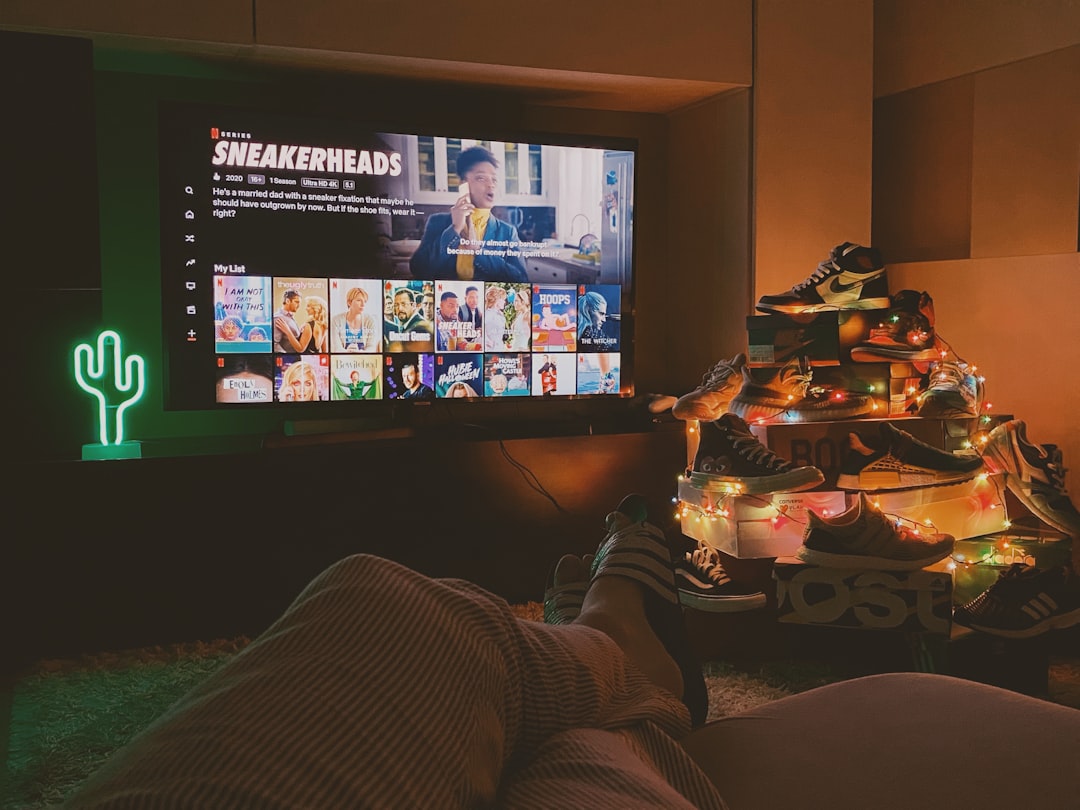
Once you have your hardware and software sorted, it’s time to think about your streaming environment. Create a dedicated space that reflects your personality and is free from distractions. A clean, organized setup not only looks professional but also helps you focus on your content. Consider adding personal touches, like gaming memorabilia or artwork, to make your streaming space uniquely yours.
Engagement is key in the streaming world. Interacting with your audience can turn casual viewers into loyal followers. Use chatbots to manage interactions and keep the conversation flowing. Encourage viewers to ask questions and share their thoughts during your stream. This not only builds community but also enhances the overall experience for everyone involved.
Now, let’s talk about branding. Your stream should have a cohesive look and feel. Design a logo, create custom overlays, and choose a color scheme that represents your style. Consistency in branding helps viewers recognize your stream and fosters a sense of professionalism. Tools like Canva can help you design graphics without needing advanced skills.
Finally, let’s discuss promotion. Share your streams on social media platforms like Twitter, Instagram, and TikTok to reach a broader audience. Collaborate with other streamers to cross-promote and tap into their viewer base. Consistency is key—set a streaming schedule and stick to it so your audience knows when to tune in.
Checklist: Assess your hardware specifications, choose your streaming software, create a dedicated streaming space.
In conclusion, setting up your game streaming environment doesn’t have to be a daunting task. With the right tools, a bit of creativity, and a commitment to engaging your audience, you can create a streaming experience that not only showcases your gaming skills but also builds a community around your passion. So gear up, hit that ‘Go Live’ button, and let your gaming journey unfold before the world!