
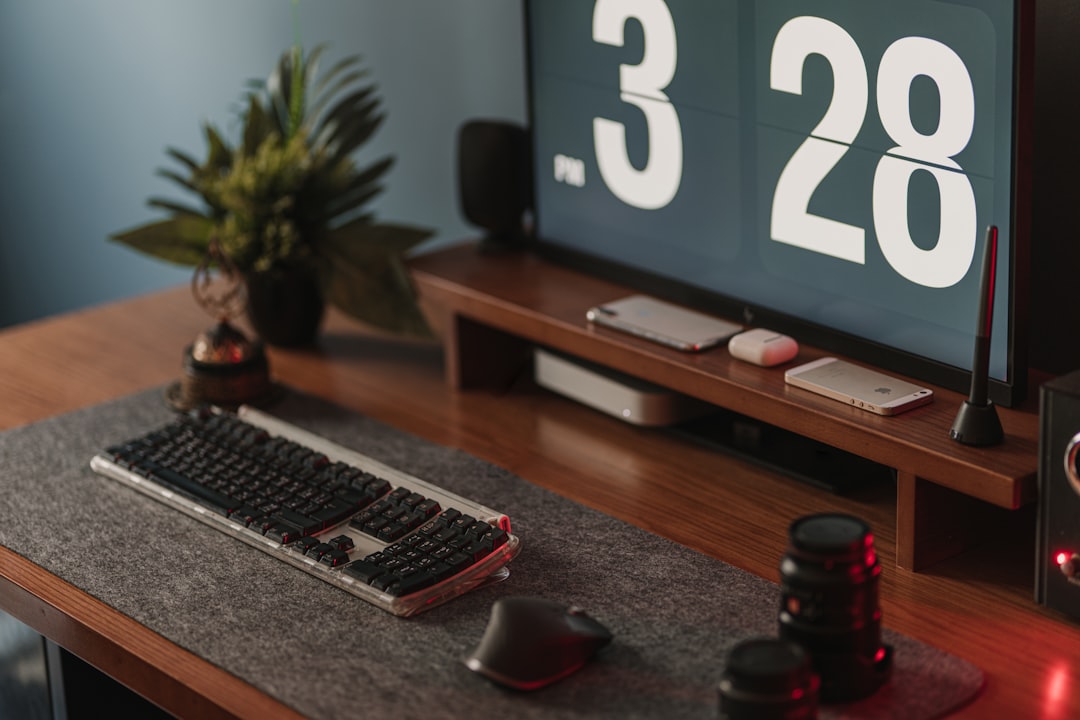
Master Your Game Streaming Setup: A Step-by-Step Guide to Success
In the rapidly evolving world of gaming, streaming has emerged as a powerful platform for gamers to showcase their skills, connect with audiences, and even build a career. However, setting up a game streaming environment can be daunting, especially for newcomers. Fear not! This guide will walk you through the essentials of creating an effective game streaming setup that not only enhances your streaming quality but also makes the process enjoyable. Let’s dive into the nitty-gritty of game streaming setup assistance.
**Understanding Your Needs**
Before you start purchasing equipment, it’s crucial to understand what you need for your specific streaming goals. Are you streaming casual gameplay for fun, or are you aiming to build a professional channel? Your objectives will dictate your setup. For casual streamers, a basic setup might suffice, while professional streamers may require advanced equipment and software.
**Essential Equipment**
1. **Computer or Console**: The heart of your streaming setup. If you’re using a PC, ensure it has a powerful CPU and GPU to handle gaming and streaming simultaneously. For console gamers, make sure you have a capture card to transfer gameplay to your streaming software.
2. **Microphone**: Clear audio is vital for engaging your audience. Invest in a good quality USB microphone or an XLR microphone with an audio interface for professional sound.
3. **Camera**: While not mandatory, a webcam can enhance viewer engagement. Choose a camera that offers at least 720p resolution for clear visuals.
4. **Lighting**: Good lighting can dramatically improve your video quality. Consider softbox lights or ring lights to illuminate your face without harsh shadows.
5. **Streaming Software**: Programs like OBS Studio or Streamlabs OBS are popular choices for managing your stream. They allow you to customize overlays, alerts, and transitions.
**Setting Up Your Space**
Your streaming environment plays a significant role in the overall experience. Choose a quiet, well-lit room where you can control background noise and distractions. Consider adding personal touches to your background, such as posters, collectibles, or LED lights, to create a unique atmosphere that reflects your personality.
**Step-by-Step Plan:**
Step 1: Assess your streaming goals and determine the necessary equipment.
Step 2: Set up your computer or console, ensuring all software is installed and updated.
Step 3: Arrange your microphone, camera, and lighting for optimal performance.
Step 4: Test your stream settings and conduct a trial run to troubleshoot any issues.
**Optimizing Your Stream**
Once your setup is complete, it’s time to optimize your stream for the best viewer experience. Start by adjusting your streaming settings in your software. Aim for a resolution of 720p or 1080p at 30 or 60 frames per second, depending on your internet speed. A stable internet connection is crucial; a wired connection is preferred over Wi-Fi for reliability.
Engage with your audience by reading chat messages and responding in real-time. Building a community is essential for long-term success, so encourage viewers to interact with you during streams. Use social media to promote your streams and connect with your audience outside of streaming hours.
**Continuous Improvement**
As you gain experience, don’t hesitate to refine your setup. Experiment with different overlays, alerts, and streaming styles to see what resonates with your audience. Regularly seek feedback from viewers and be open to making changes based on their suggestions.
**Conclusion**
Setting up a game streaming environment doesn’t have to be overwhelming. By following this step-by-step guide, you can create a professional and engaging streaming setup that enhances your gaming experience and captivates your audience. Remember, the key to successful streaming lies in preparation, optimization, and continuous improvement. Happy streaming!